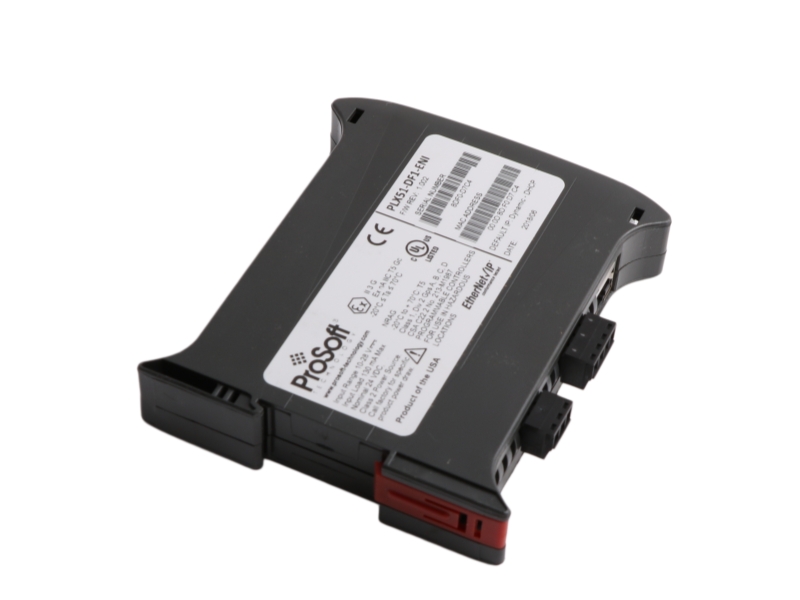
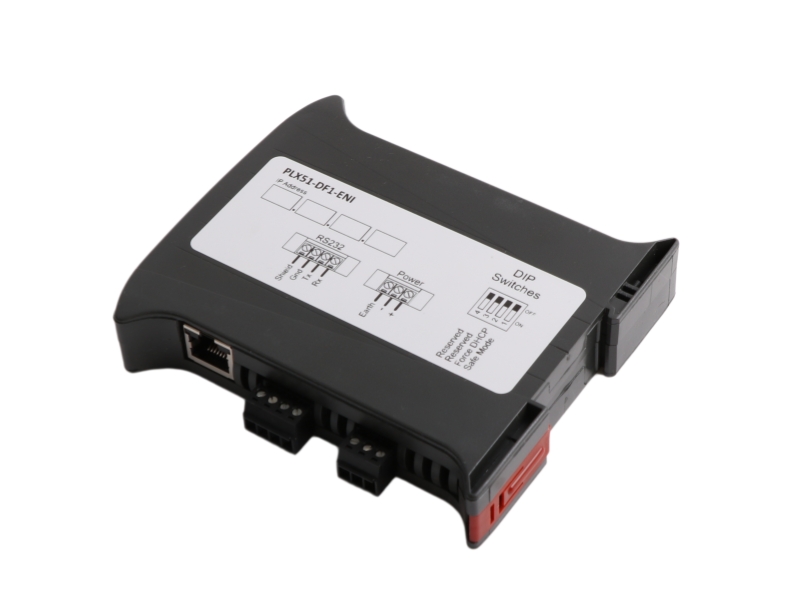
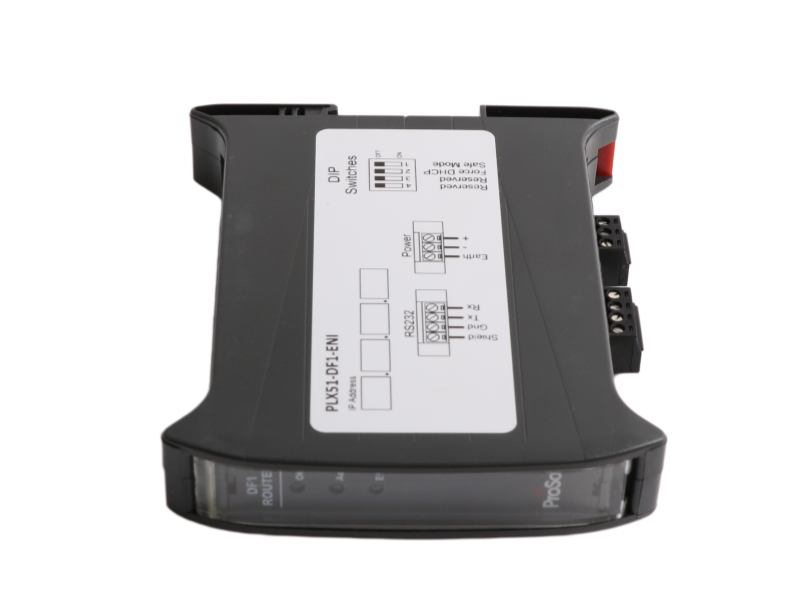
General Information
| Model number | PLX51-DF1-ENI |
| Manufacturer | Prosoft |
| Country of origin | USA |
| Condition | Brand New |
| Dimension | 2.2x11.8x10cm |
| Weight | 0.12kg |
| Lead time Warranty | in stock |
| MOQ | 1 pcs |
Core Description
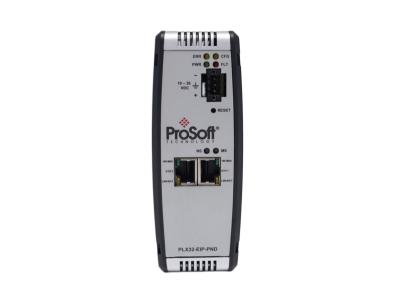
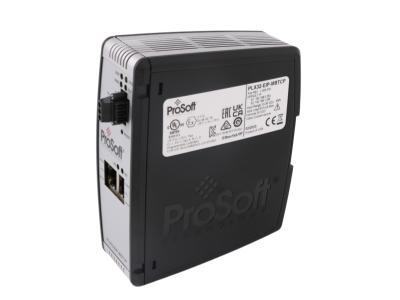
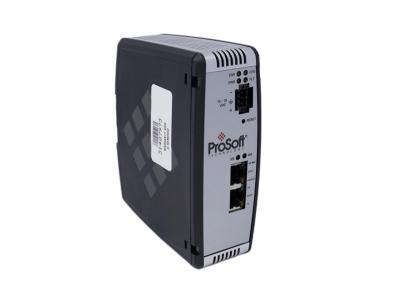
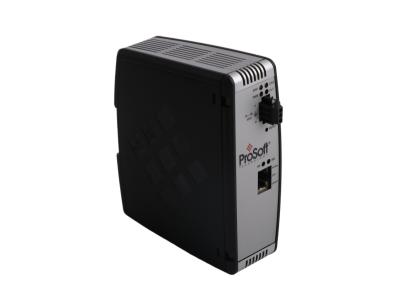
The PLX51-DF1-ENI is a ProSoft Technology communication gateway featuring intelligent data routing between EtherNet/IP and DF1 serial networks. Fully compatible with standard Ethernet infrastructures, this unit works seamlessly with ControlLogix and CompactLogix controllers to deliver flexible protocol bridging and stable industrial network communication.
Configuration
Ordering Information
|
Part Number |
Item Description |
Mount & Interface Style |
Core Operational Application |
|
PLX51-DF1-ENI |
DF1 to EtherNet/IP Router |
35mm DIN Rail Mount |
Brakes out legacy serial DF1 PCCC strings directly onto modern industrial EtherNet/IP networks. |
|
PLX50 Utility |
Configuration Utility Software |
Windows PC Download |
Free software suite providing system download paths, diagnostic monitoring, and live tag browsers. |
|
1770-KF2 |
Legacy DF1/DH+ Interface |
Historical Panel Unit |
Old architecture module replaced by the modern PLX51-DF1-ENI router during system refits. |
Features and Benefits
Installation & Troubleshooting FAQ
Q1: What are the fundamental wiring rules for the serial shield terminal to maximize signal quality?
A: The shield terminal on the four-way RS232 connector is internally connected to the power connector earth. Because of this internal link, field engineers must secure the main earth terminal on the power plug to a clean, low-impedance master ground. To eliminate harmful current ground loops, only connect one end of the shielded cable to earth, and always prioritize landing that shield at the PLX51-DF1-ENI module end rather than the remote DF1 asset.
Q2: How can I regain connection to a module if its static IP address has been forgotten or misconfigured?
A: If a static network location becomes lost in the field, locate the four DIP switches positioned along the top edge of the enclosure. Flip DIP switch 2 into the On position and cycle the master system power input. This action overrides the static flash memory and forces the router to boot into standard DHCP mode, allowing you to trace its MAC address and push a fresh IP assignment via the PLX50 Configuration Utility.
Q3: Why is my Logix controller failing to process PLC5 or SLC style data arrays properly through Bridge Mode?
A: When working in Bridge Mode, the router transfers incoming PCCC serial requests over to the Logix framework, but relies on the Logix processor itself to map those file numbers. To resolve data path errors, open your RSLogix 5000 / Studio 5000 project, locate the Map PLC/SLC Messages index within the Logic menu, and build explicit file number to target tag pairs. It is your strict responsibility to verify that the target Logix tag array data type and size match the incoming serial data structure.
Contact information
Please don’t hesitate to contact us if you have any questions or concerns before or after your purchase. We are committed to your 100% satisfaction.
Sales Manager:Stella
Email:sales6@apterpower.com
Whatsapp:+86 18159889985
We provide professional global shipping services to ensure your industrial automation parts and equipment arrive safely and on time. To meet different delivery requirements, we cooperate with internationally recognized logistics companies, including:FedEx/DHL/TNT/UPS/SF Express
Whether you require standard international shipping or urgent express delivery, we can arrange flexible logistics solutions tailored to your project schedule and destination.
For convenient and secure transactions, we accept T/T (Telegraphic Transfer) payment.
After order confirmation, our sales team will provide complete payment details and invoice information to ensure a smooth and efficient payment process.
We are committed to providing efficient delivery and dependable customer service for clients worldwide.
|
ProSoft |
2150-AGA 1747-KE |
ProSoft |
3100-INUSA |
ProSoft |
3100-LTQ |
ProSoft |
3100-MDA16 |
|
ProSoft |
3100-MDA4 |
ProSoft |
3300-MBP |
ProSoft |
4204-MNET-PDPM |
ProSoft |
4205-MNET-PDPS |
|
ProSoft |
4303-MNET-MBP |
ProSoft |
5201-DFNT-EGD |
ProSoft |
5201-MNET-DFNT |
ProSoft |
5201-MNET-MCM |
|
ProSoft |
5205-DFNT-PDPS 5205-BACNET-PDPS |
ProSoft |
5210-DFNT-RIO |
ProSoft |
5302-MBP-MCM4 |
ProSoft |
ILX69-PBM |
|
ProSoft |
MVI46-GSC |
ProSoft |
MVI46-MBP |
ProSoft |
MVI56-ADMNET |
ProSoft |
MVI56-AFC |
|
ProSoft |
MVI56-CSC |
ProSoft |
MVI56-DFCM |
ProSoft |
MVI56-DFCM |
ProSoft |
MVI56-DFCMR |
|
ProSoft |
MVI56-EGD |
ProSoft |
MVI56E-GSC |
ProSoft |
MVI56E-MCM |
ProSoft |
MVI56E-MCMXT |
|
ProSoft |
MVI56E-MNET |
ProSoft |
MVI56E-MNETCR |
ProSoft |
MVI56E-MNETXT |
ProSoft |
MVI56-GEC |
|
ProSoft |
MVI56-GSC |
ProSoft |
MVI56-HART |
ProSoft |
MVI56-MBP |
ProSoft |
MVI56-MCM |
|
ProSoft |
MVI56-MDA4 |
ProSoft |
MVI69-ADM |
ProSoft |
MVI69-ADMNET |
ProSoft |
MVI69-DFNT |